
OrangeCD Alternative

OrangeCD has been discontinued. Several of its core lookup features no longer work. My Music Collection is an actively maintained Windows replacement that imports your OrangeCD database.
Is OrangeCD discontinued?
Yes — OrangeCD has effectively been discontinued. The publisher (Codium Labs LLC) released it as freeware and stopped active development. The site is still up and the binaries are still downloadable, but the two metadata sources OrangeCD was built around — FreeDB and Amazon — were either shut down or had their APIs removed upstream, so the auto-fill-on-CD-insert workflow OrangeCD was famous for is no longer working.
Why is OrangeCD not working properly?
Three things broke under OrangeCD over the years and none have been fixed:
- FreeDB shut down. The free CD database OrangeCD used to identify discs simply ceased to exist. A planned private replacement at
freedb.mygenres.comwas promised in 2020 and never shipped. - Amazon removed the API access OrangeCD relied on for cover art and album reviews. The lookup buttons still exist; they just no longer return results.
- No Windows updates since early 2022. Each new Windows release adds a small risk of incompatibility that won't be addressed.
Importing your OrangeCD database
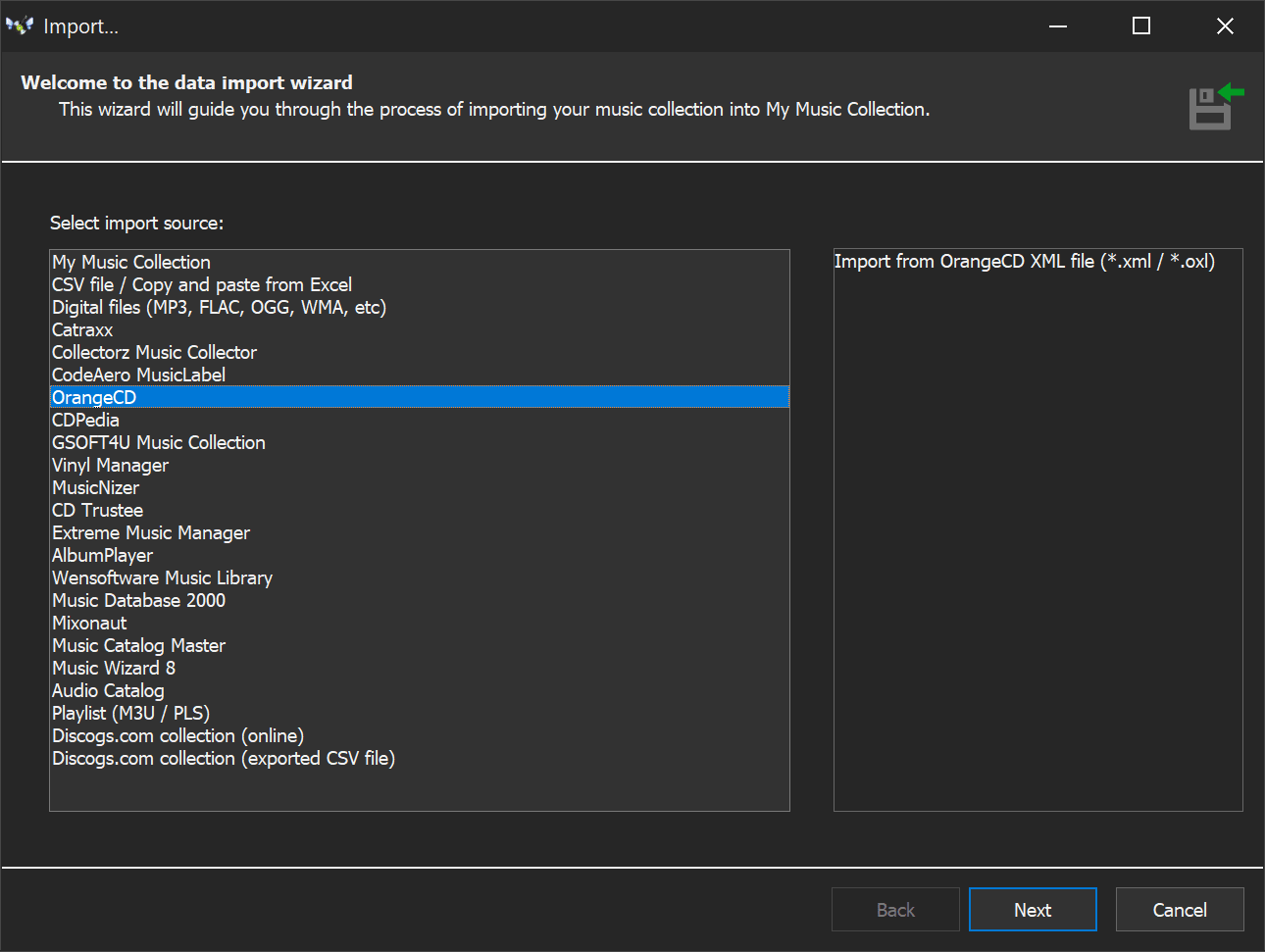
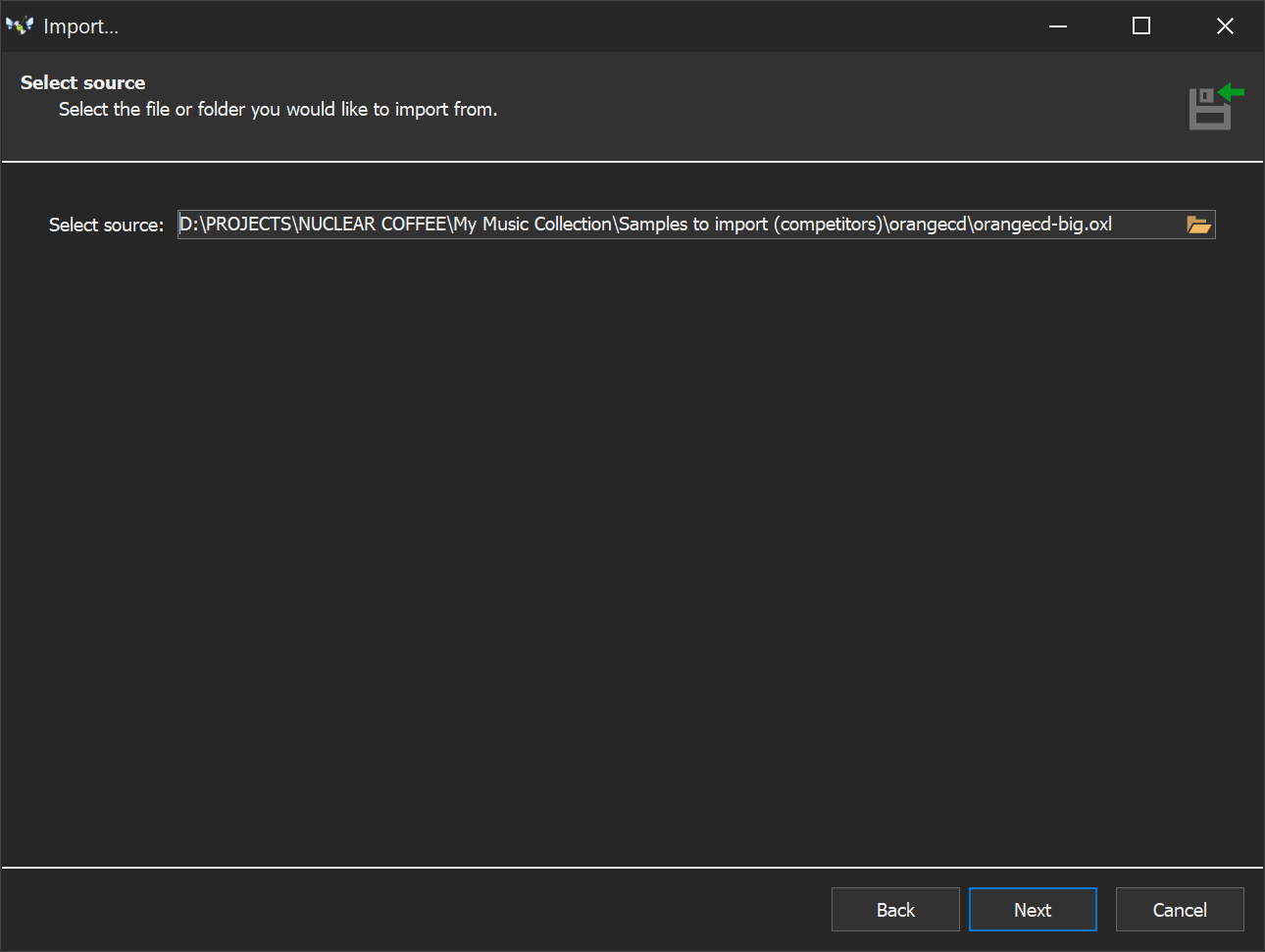
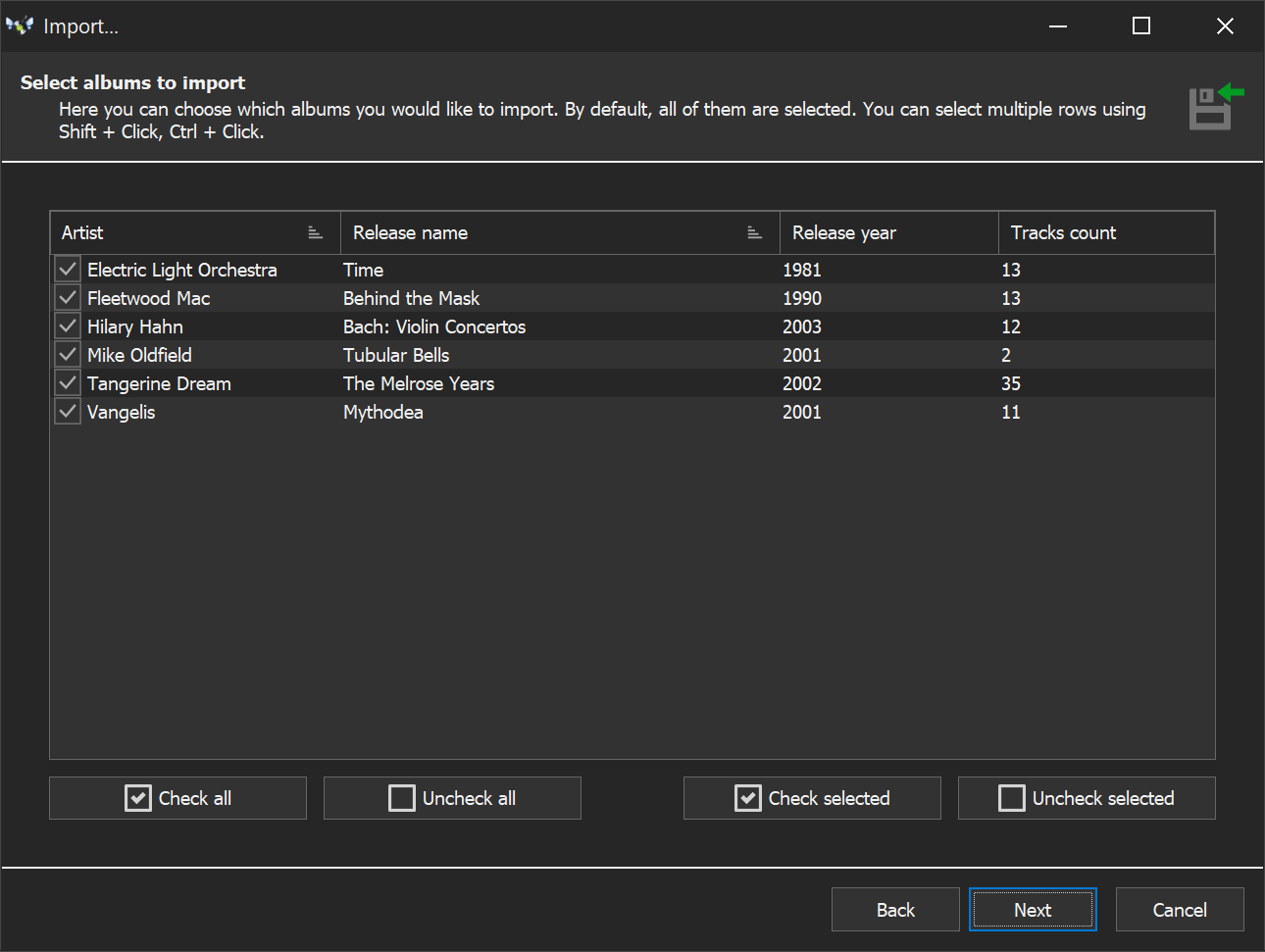
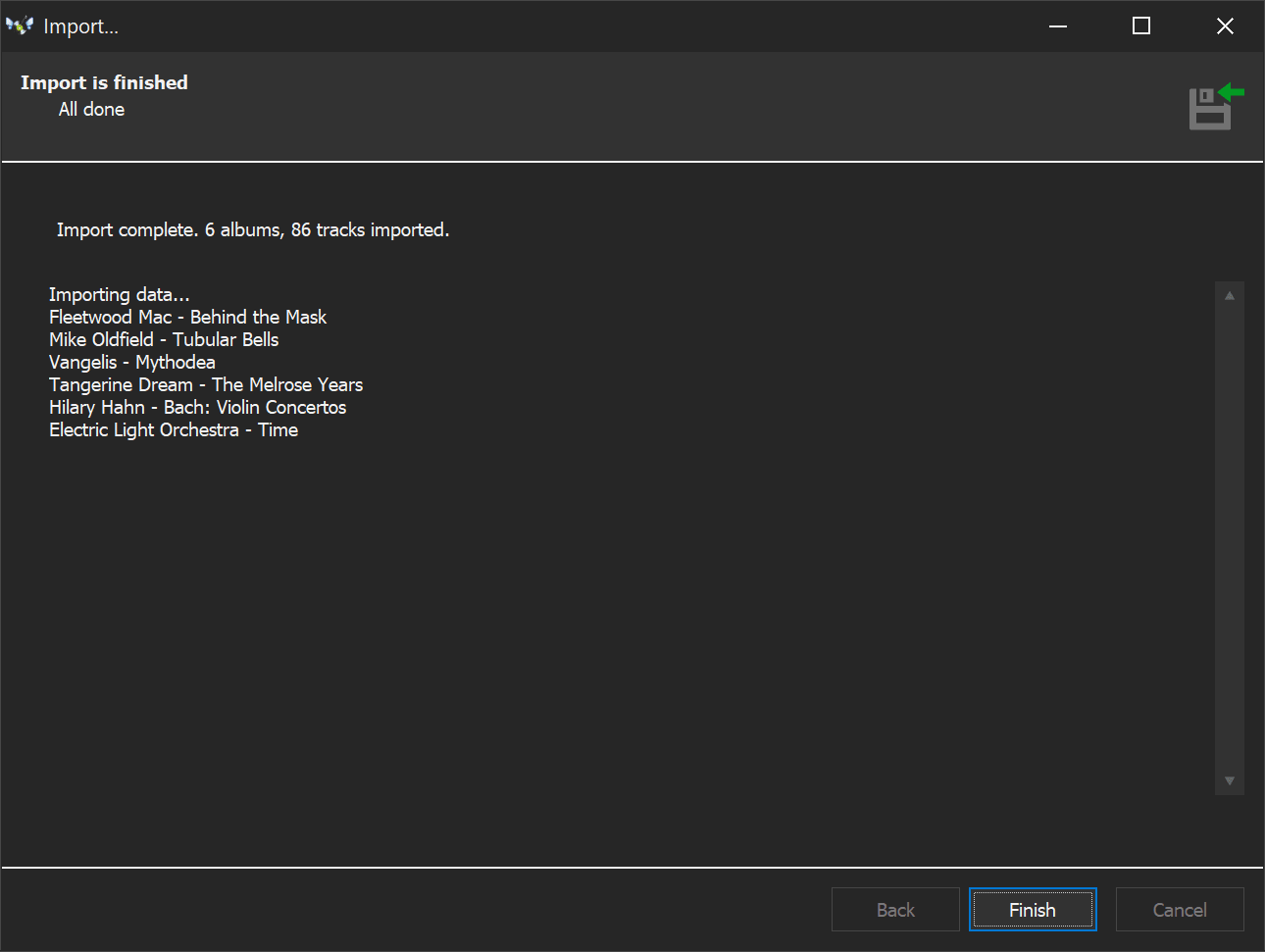
My Music Collection has a built-in import wizard that handles your OrangeCD database directly. A few clicks and all your data transfers across — nothing is lost, no re-entering anything by hand. Try it with the free demo (20 albums, no time limit) and see for yourself.
What the import looks like
Feature-by-feature
| Feature | My Music Collection | OrangeCD |
|---|---|---|
| Active maintenance | Yes | No |
| Online metadata lookup (auto-fill) | MusicBrainz, Discogs, iTunes, Last.fm — all working | Built around FreeDB (shut down) and Amazon (API removed); Discogs lookup still works |
| Barcode scanning | USB scanner or webcam | USB scanner (recommends CueCat-era hardware) |
| Cover art batch download | Wizard fetches art for the whole collection in one pass | Per-album from Amazon (no longer working) |
| Artist / composer profiles | Standard album / artist fields | Dedicated artist and composer profiles with biographies and reviews |
| Multi-edit / bulk operations | Edit many albums at once; split, merge, copy, move between databases | No |
| Duplicate finder | Yes | No |
| Built-in audio player | 25+ formats — MP3, AAC, OPUS, FLAC, ALAC, APE, hi-res, DSD, full SACD ISO. No external codecs | Hands off to your media player of choice |
| Network audio player (Squeezebox / Transporter) | No | Direct integration — queue/play to Logitech network players |
| Export formats | HTML, Excel, PDF, plain text, XML | HTML, plain text (plus burn database backup CDs on XP/Vista only) |
| HTML web pages | Built-in templates + report designer | Customizable templates: index page, recent additions, per-album pages, song lyrics pages |
| Online publishing service | Export HTML, host yourself | Auto-publish to Racks and Tags companion gallery |
| Statistics & charts | Stats with column and pie charts, grouped by artist / year / genre / country | Database statistics, no charts |
| Import from other catalogers | OrangeCD, Catraxx, Collectorz, MusicLabel, VinylManager, CDPedia, MusicNizer, CD Trustee, Discogs, CSV/Excel/XML | No |
| Languages | 24 | English only |
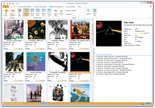
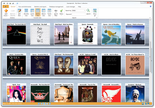
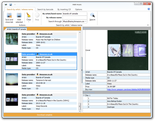
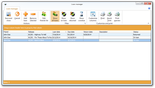
Screenshots
Where OrangeCD is genuinely better
Squeezebox / Transporter integration. OrangeCD talks directly to Logitech's network-audio players — queue and play tracks straight from the catalog. MMC has no equivalent. If your hi-fi setup is built around a Squeezebox, switching loses this — you may want to keep OrangeCD installed for that role even after migrating the catalog itself.
Artist and composer profiles. OrangeCD has dedicated profile records with biographies and reviews — useful for classical music and curated catalogs. MMC handles artists as standard fields, not as separate profile entities.
Racks and Tags publishing. OrangeCD auto-publishes your catalog to a companion hosted gallery; MMC has no equivalent service — you export HTML and host it yourself.
Switch from OrangeCD today
Free demo, no time limit, 20-album cap. Enough to test the OrangeCD import. Full license is $39.95 one-time — no subscription.
Related guides: Music Catalog Software, CD Database Software, Vinyl Collection Manager
Works on: Windows 11 / 10 / 8 / 7 / Vista / XP. Current version: 3.4.16.175. Available in 24 languages.