
MusicLabel Alternative
MusicLabel is no longer actively developed. Code:Aero Technologies, the publisher, has stated that it no longer actively develops its products and provides no active email support. The last released build is Music Label 2022.4 (April 2022). My Music Collection is an actively maintained Windows replacement that imports your MusicLabel database.
Is MusicLabel discontinued?
Effectively yes — MusicLabel is no longer actively developed. Code:Aero Technologies states on its own site that it no longer actively develops its products and that active email support is no longer available — users are redirected to the static help pages instead. The last released Music Label build is 2022.4, from April 2022, and there has been no update since. Existing installations keep running, but no new versions, bug fixes, or feature work are coming.
Is MusicLabel not working anymore?
Most of MusicLabel still runs today. What won't keep working long-term is everything that needs maintenance now that active development has stopped:
- No Windows compatibility fixes. Each new Windows release adds a small risk of incompatibility that won't be addressed.
- No fixes if online lookup services change. If CDDB2 or the cover-art sources change terms or shut down, no patch is coming.
- No new audio formats, codecs, or features. What MusicLabel handles today is what it will handle forever — and there is no support channel if something breaks.
Importing your MusicLabel database
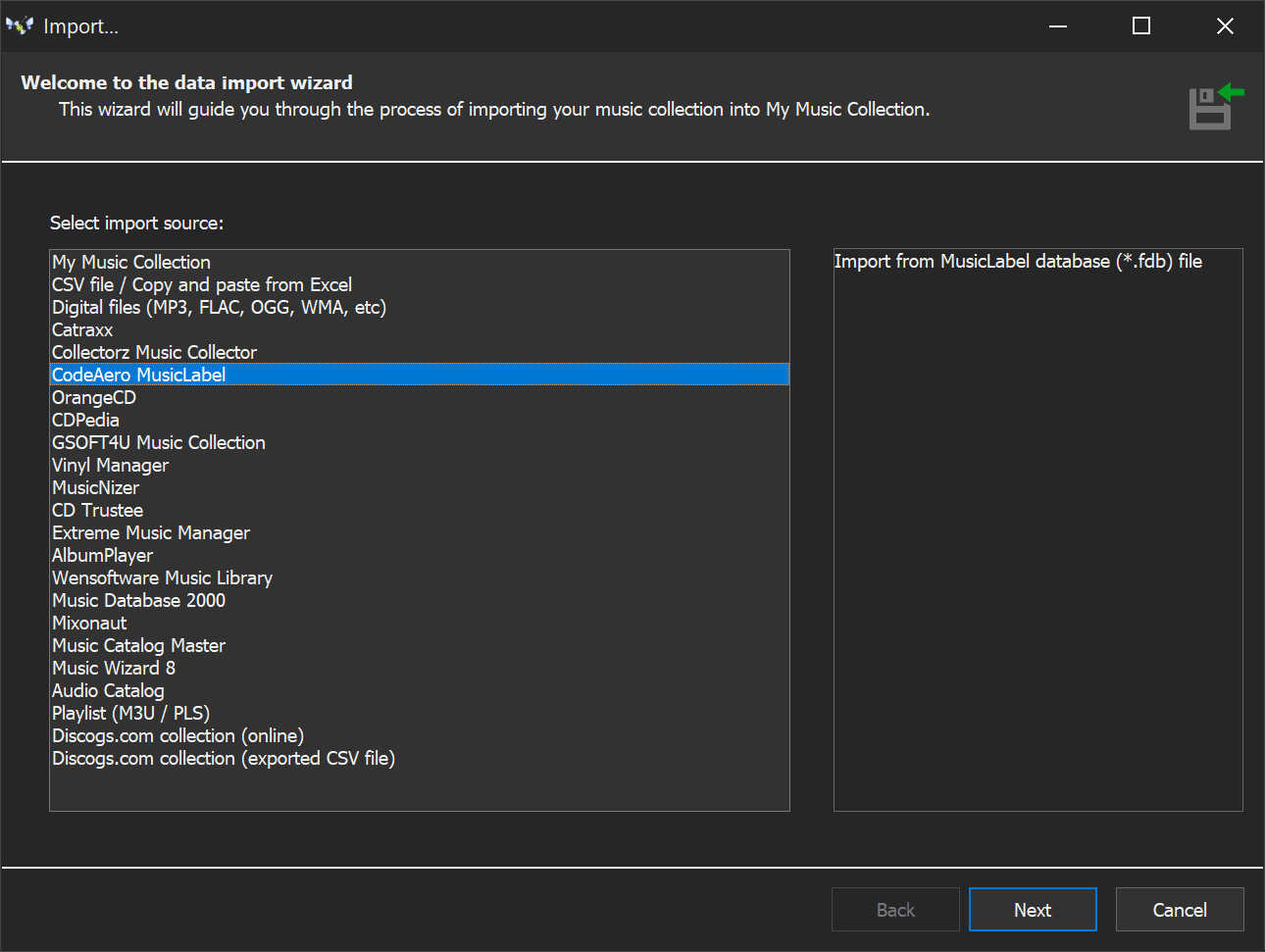
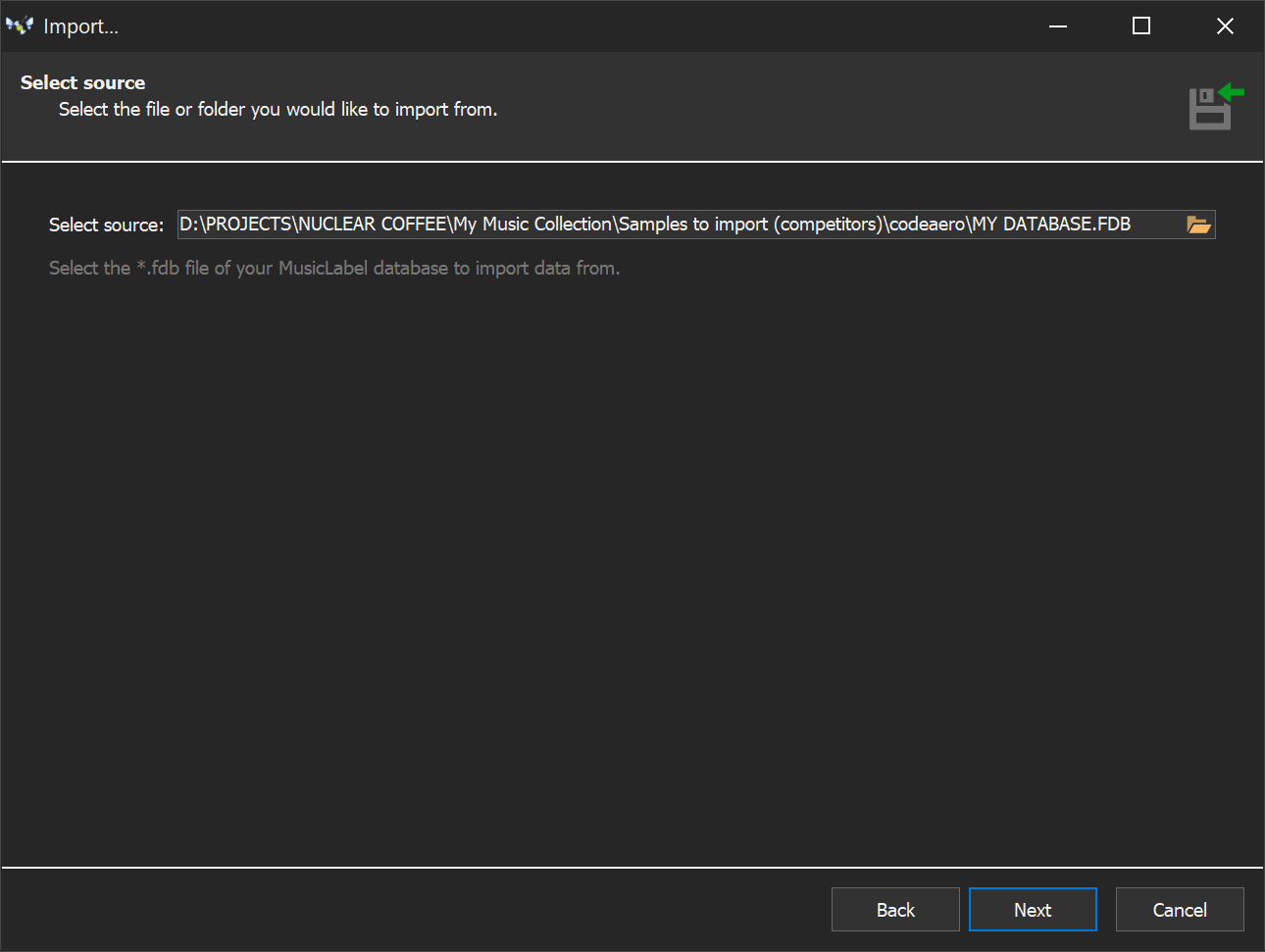
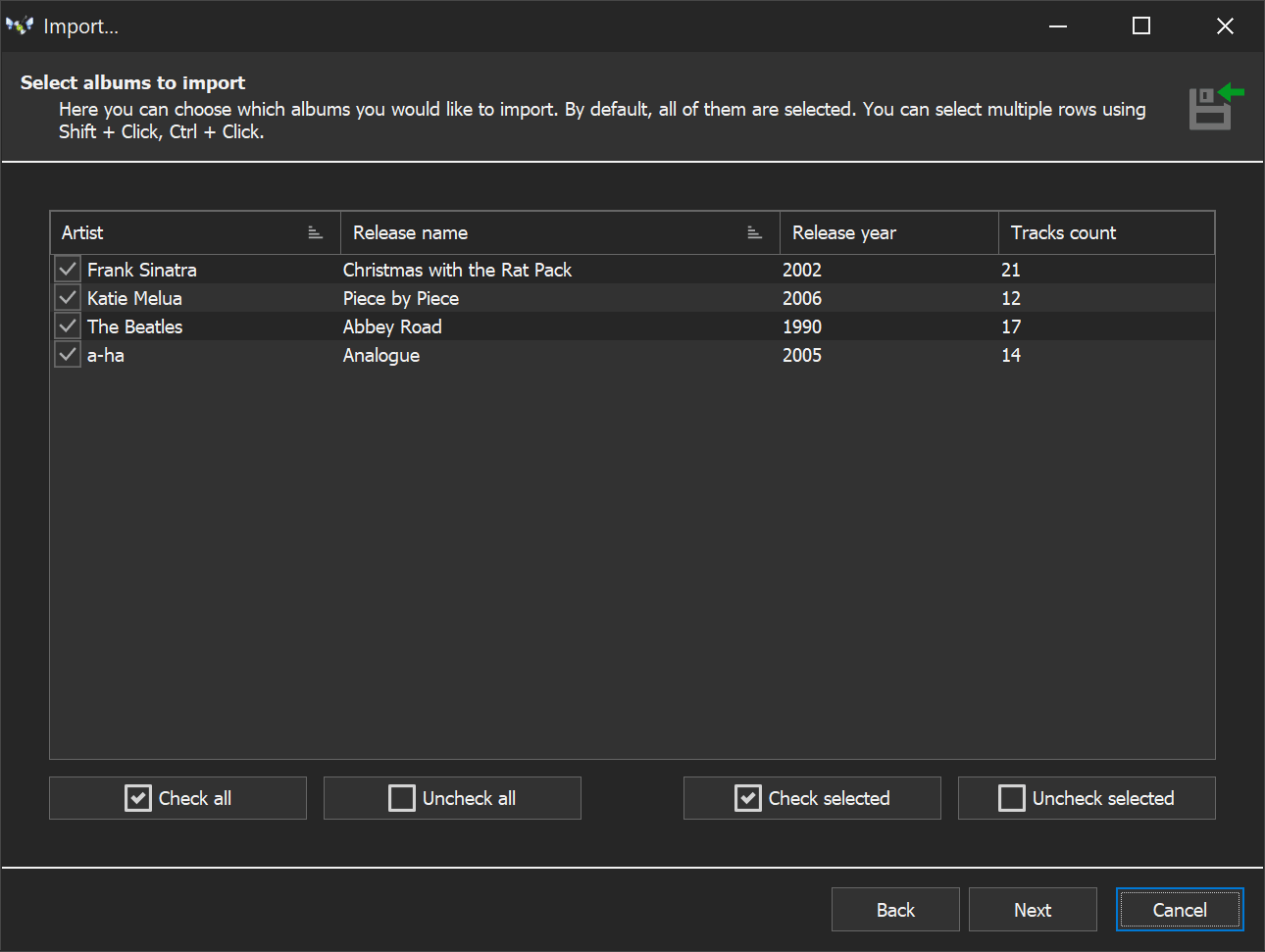
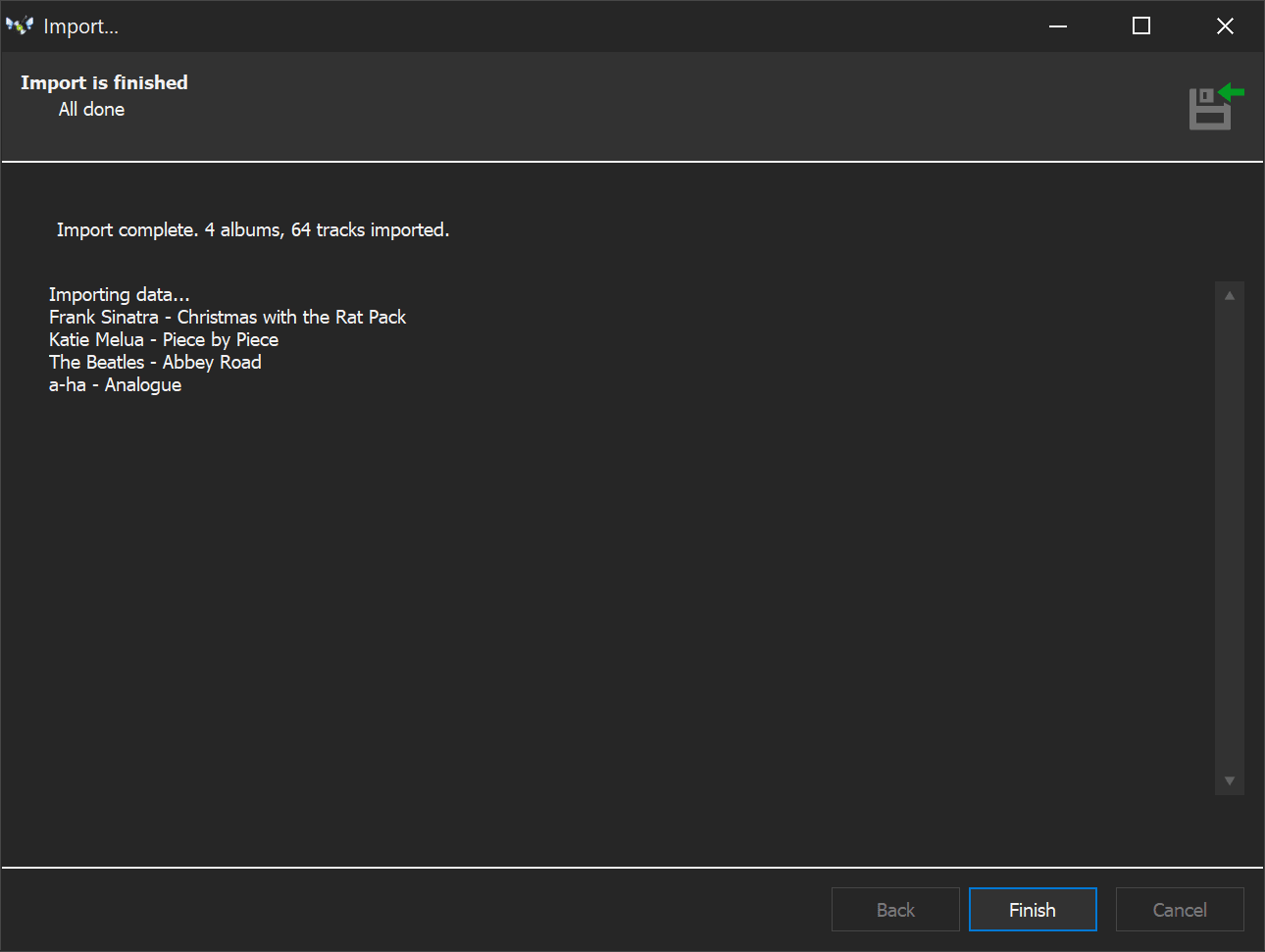
Looking for an alternative to MusicLabel that can import your existing database? My Music Collection has a built-in import wizard that handles your MusicLabel database directly. A few clicks and all your data transfers across — nothing is lost, no re-entering anything by hand. Try it with the free demo (20 albums, no time limit) and see for yourself.
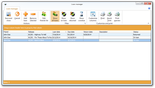
What the import looks like
Feature-by-feature
| Feature | My Music Collection | MusicLabel |
|---|---|---|
| Active maintenance | Yes | No (development halted) |
| Email support | Yes | No — static help pages only |
| Online metadata lookup | MusicBrainz, Discogs, iTunes, Last.fm | CDDB2 (legacy) |
| Barcode scanning | USB scanner or webcam | Manual entry or third-party scanner |
| Cover art batch download | Wizard fetches art for the whole collection in one pass | Per-album lookup, no batch wizard |
| Built-in audio player | 25+ formats — MP3, AAC, OPUS, FLAC, ALAC, APE, hi-res, DSD, full SACD ISO. No external codecs | No — catalog only, hands off to your system's default player |
| Multi-edit / bulk operations | Edit many albums at once; split, merge, copy, move between databases | Limited |
| Duplicate finder | Yes | No |
| Statistics & charts | Stats with column and pie charts, grouped by artist / year / genre / country | Statistics & reports, limited charts |
| Export formats | HTML, Excel, PDF, plain text, XML | HTML, XML, PDF, Excel |
| Import from other catalogers | MusicLabel, Catraxx, OrangeCD, Collectorz, VinylManager, CDPedia, MusicNizer, CD Trustee, Discogs, CSV/Excel/XML | No |
| Languages | 24 | Limited (translations no longer maintained) |
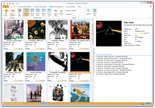
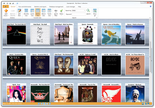
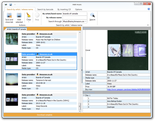
Screenshots
Switch from MusicLabel today
Free demo, no time limit, 20-album cap. Enough to test the MusicLabel import. Full license is $39.95 one-time — no subscription.
Related guides: Music Catalog Software, CD Database Software, Vinyl Collection Manager
Works on: Windows 11 / 10 / 8 / 7 / Vista / XP. Current version: 3.4.16.175. Available in 24 languages.