In the main window, click the Advanced options arrow to open the Advanced options dialog box:
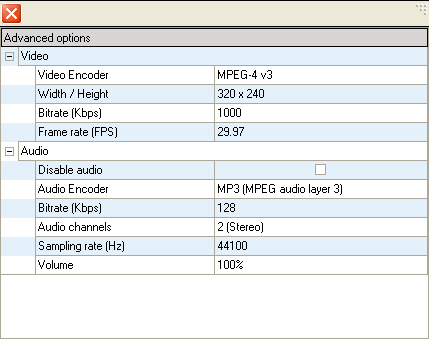
The Advanced options dialog box displays default settings for selected output format. To change any of the default settings:
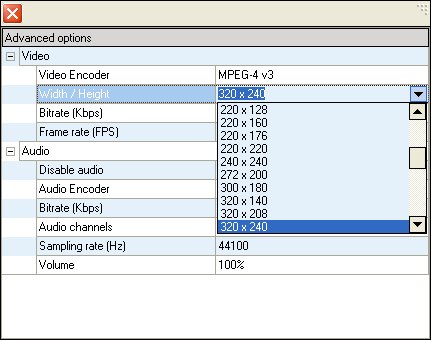
- Click on the area you want to change. The arrow on the right appears.
- In the corresponding box, type or select the appropriate value.
Then click the Close button to save settings and close the Advanced options dialog box.